Digital flyers are the online version of the paper you used to pin to coffee shop bulletin boards: one good-looking graphic promoting an event, a sale, or an offer. The difference is these get shared, clicked, and tracked.
This guide covers what they are, why they beat print for most jobs, and how to design, distribute, and measure them.
No design degree required. Let’s go.
Understanding Digital Flyers: Definition and Core Benefits
A digital flyer is created and shared electronically instead of printed. That one change makes it faster, cheaper, and measurable.
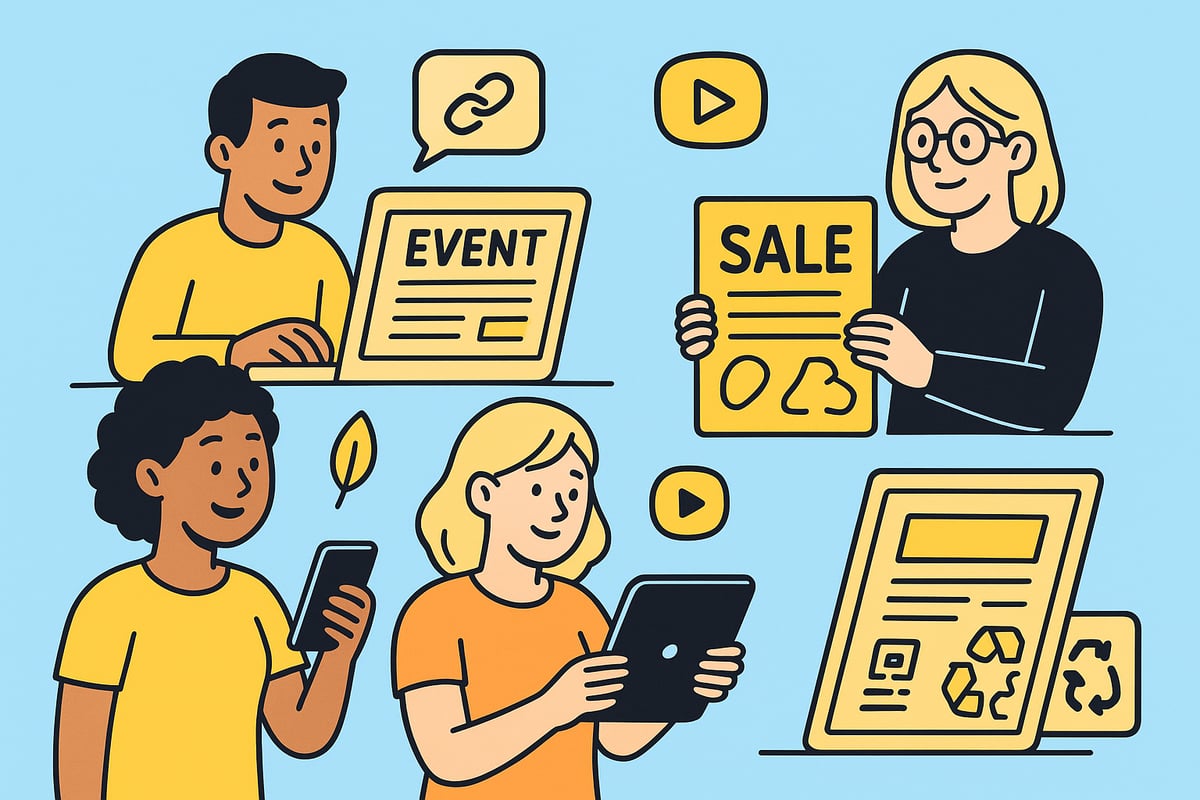
What Sets Digital Flyers Apart?
You can embed clickable links, video, and animation, which turns a static announcement into something people can act on immediately. They work well for events, product launches, and time-sensitive offers.
And since nothing gets printed, there’s no print bill and nobody standing in a parking lot handing out paper. You send it by email, social media, your website, or a QR code.
Core Benefits of Digital Flyers
The benefits stack up fast:
- Cost-effectiveness: No need for printing or shipping, reducing marketing expenses.
- Instant, scalable distribution: Reach audiences immediately through multiple online channels.
- Interactivity: Add links, videos, and shoppable elements to increase engagement.
- Easy updates: Edit content in real time and repurpose designs for different campaigns.
- Eco-friendly: Reduce paper waste and carbon footprint.
The reach difference is real. According to recent industry benchmarks for digital flyers and catalogs, digital versions can reach up to 10 times more viewers than print.
Real-World Applications and Accessibility
Everyone uses them. A gym announces a new class schedule, a landscaper promotes spring cleanup specials, a nonprofit pushes a donation drive. Same tool, different jobs.
You don’t need design experience either. Templates and drag-and-drop editors make it easy to produce something professional that looks right on any device.
Cheap to make, instant to send, easy to measure. That’s why they’ve earned a permanent spot in the small business toolkit.
Essential Elements of Effective Digital Flyers
A flyer that works is design, message, and function pulling in the same direction. Here’s what separates the ones that get clicks from the ones that get scrolled past.
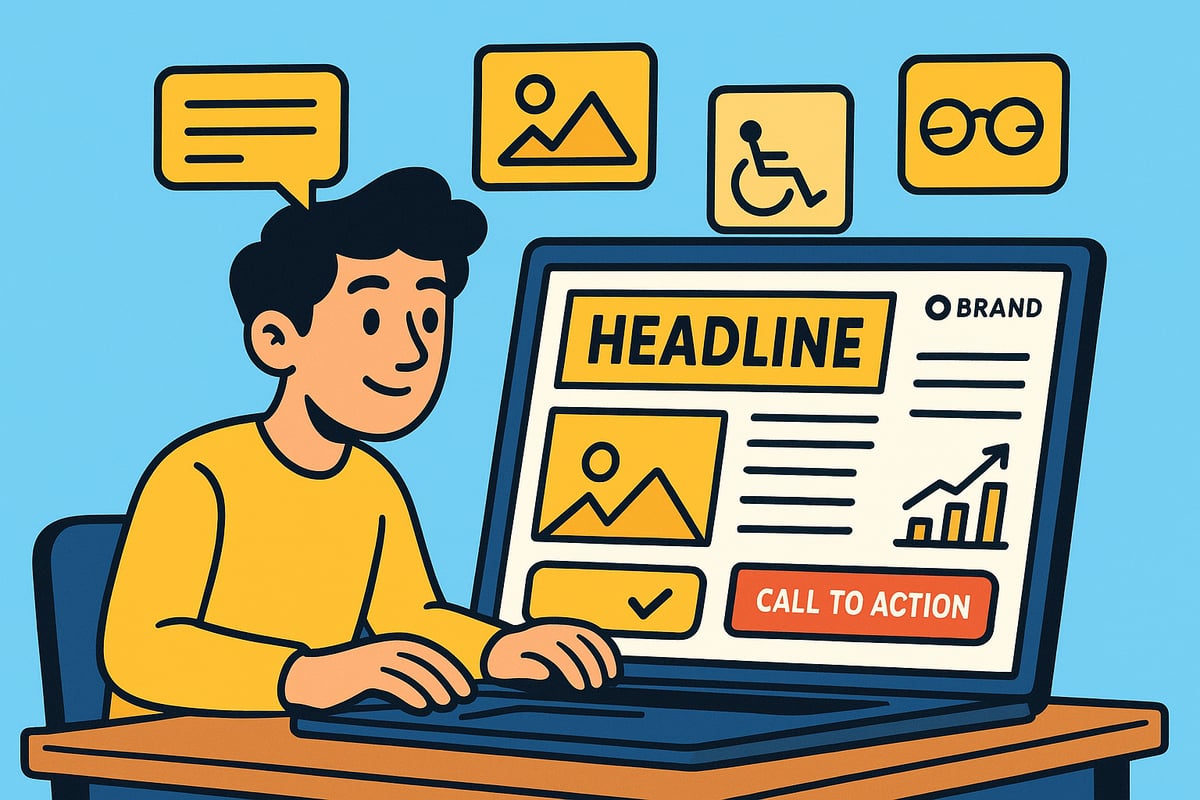
Crafting Magnetic Headlines
The headline gets read first, and sometimes it’s all that gets read. Make it short, bold, and specific to what your audience wants.
Skip vague lines. “Save 50% Today” beats “Special Offer” every time. Test different headlines and let the numbers pick the winner.
Visuals that Capture Attention
Visuals carry the flyer. High-quality images and your brand colors pull the eye and reinforce the message.
Match the visuals to the job. Keep the color scheme consistent and resist cramming. Simple, bold graphics usually beat busy designs, especially on a phone.
Copywriting and the Perfect CTA
Keep the copy short. Say what the reader gets and what to do next. That’s it.
Your call to action should be impossible to miss: “Shop Now,” “Register Free,” “Book Today.” Put it right where the message naturally lands.
Interactivity: Engaging Your Audience
Interactivity is the whole advantage of going digital. Add clickable links, embedded video, or shoppable elements.
Flyers with interactive elements see up to 30% higher engagement than static designs, according to Digital Download Marketing Statistics 2025. A product link can turn a viewer into a buyer on the spot.
Branding and Accessibility
Use your logo, fonts, and colors every time. Consistency is what makes people recognize you at a glance.
And keep it accessible: readable text on every device, strong color contrast, alt text on images. Accessible flyers simply reach more people.
Before-and-After: Examples of Effective Flyers
Here’s the difference side by side:
| Element | Ineffective Flyer | Effective Flyer |
|---|---|---|
| Headline | “Big Sale” | “Save 50% on Summer Styles” |
| Visuals | Low-res, cluttered images | Clean, high-quality photo |
| Copy | Long paragraphs | Short, punchy sentences |
| CTA | “Click Here” buried in text | “Shop Now” in bold button |
| Interactivity | None | Clickable product gallery |
| Branding | No logo, inconsistent colors | Logo, brand palette used |
Get these elements right and the same flyer works harder: more reach, more clicks, more measurable results.
Step-by-Step Guide: How to Create a Digital Flyer
Here’s the build process, start to finish.
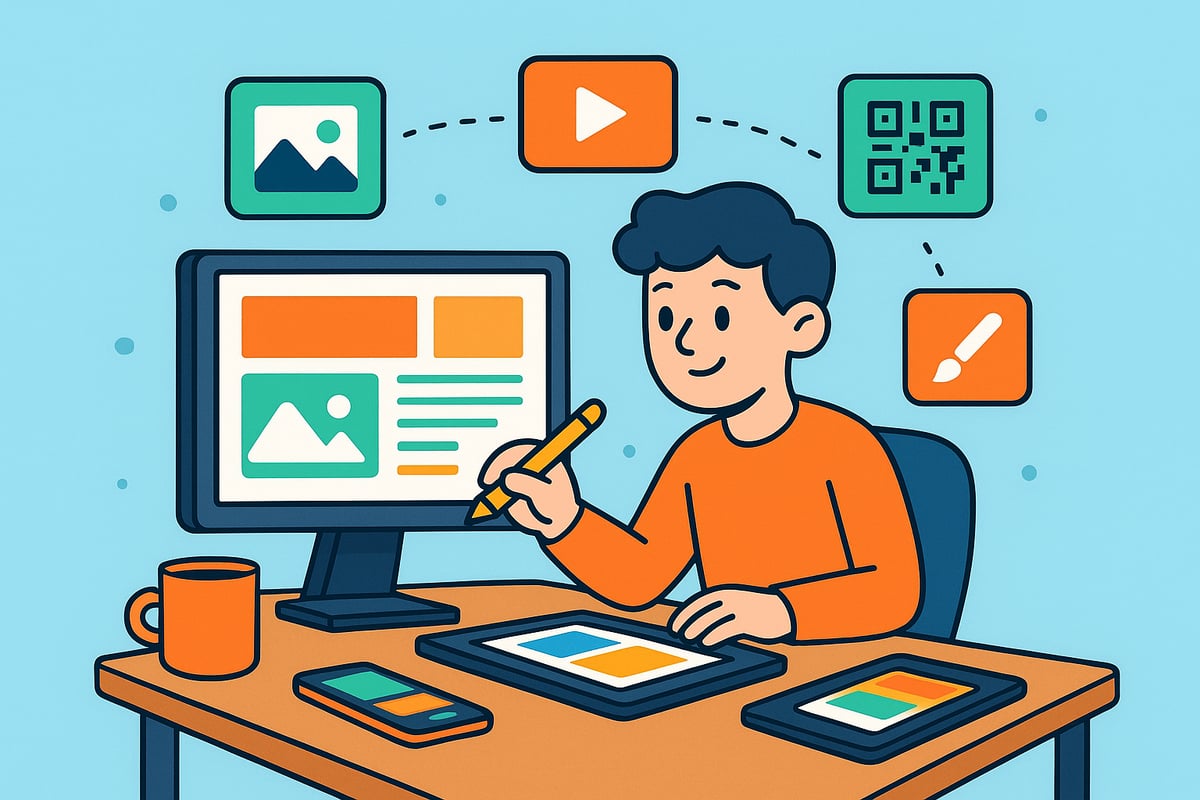
Step 1: Define Your Objective and Target Audience
First, know the job. Grand opening? Flash sale? Event invite? Nail down the goal, then get clear on who you’re trying to reach.
The audience shapes everything: tone, visuals, and the call to action. A flyer for a family festival should not look like one for a software launch.
Step 2: Choose the Right Platform or Tool
Pick your tool. Issuu, FlipHTML5, Canva, and Adobe Express are the big names. Compare drag-and-drop editing, template selection, analytics, and integrations.
| Platform | Ease of Use | Templates | Interactivity | Analytics | Collaboration |
|---|---|---|---|---|---|
| Issuu | High | Many | Yes | Yes | Yes |
| FlipHTML5 | Moderate | Many | Yes | Yes | Limited |
| Canva | Very High | Extensive | Yes | Limited | Yes |
| Adobe Express | High | Many | Yes | Yes | Yes |
Weigh your team’s needs and budget against the features you actually plan to use.
Step 3: Select or Design a Template
Templates save hours. Pick one that fits the campaign’s purpose and go from there.
Then make it yours: layout, colors, fonts. Consistent branding builds recognition. Keep it clean and let the key message dominate.
Step 4: Add Compelling Visuals and Concise Copy
Use sharp photos, illustrations, or icons that support the message, in your brand palette.
Write tight. Bold, clear headline. Supporting text that earns its space. Bullets beat paragraphs when people are skimming.
Step 5: Integrate Interactive Elements
Now add the interactive layer: links to your site, store, or socials. A QR code connects offline readers to online content and can lift engagement by up to 20 percent.
Short videos or animations work too, for product demos or testimonials. They make the flyer stick in someone’s memory.
Step 6: Optimize for Mobile and Desktop Viewing
Test on phones, tablets, and desktops. If it only looks good on your monitor, it isn’t done.
Big legible fonts, high-contrast colors, buttons a thumb can actually hit.
Step 7: Review, Test, and Gather Feedback
Before it goes out, proofread everything. Check for typos, broken links, and formatting glitches. Click every interactive element yourself.
Show a draft to a colleague or two. Fresh eyes catch what you can’t see anymore.
Step 8: Export and Prepare for Distribution
Export in the format the channel needs: PDF, JPG, or interactive HTML. Most platforms offer direct sharing or embed options.
Then line up your channels: email, social, website, QR codes. If you want to firm up the fundamentals first, Learn about digital marketing basics.
Conclusion
That’s the whole process. Refine a little each round and your flyers keep getting better at their job.
Distribution Strategies: How to Share and Promote Digital Flyers
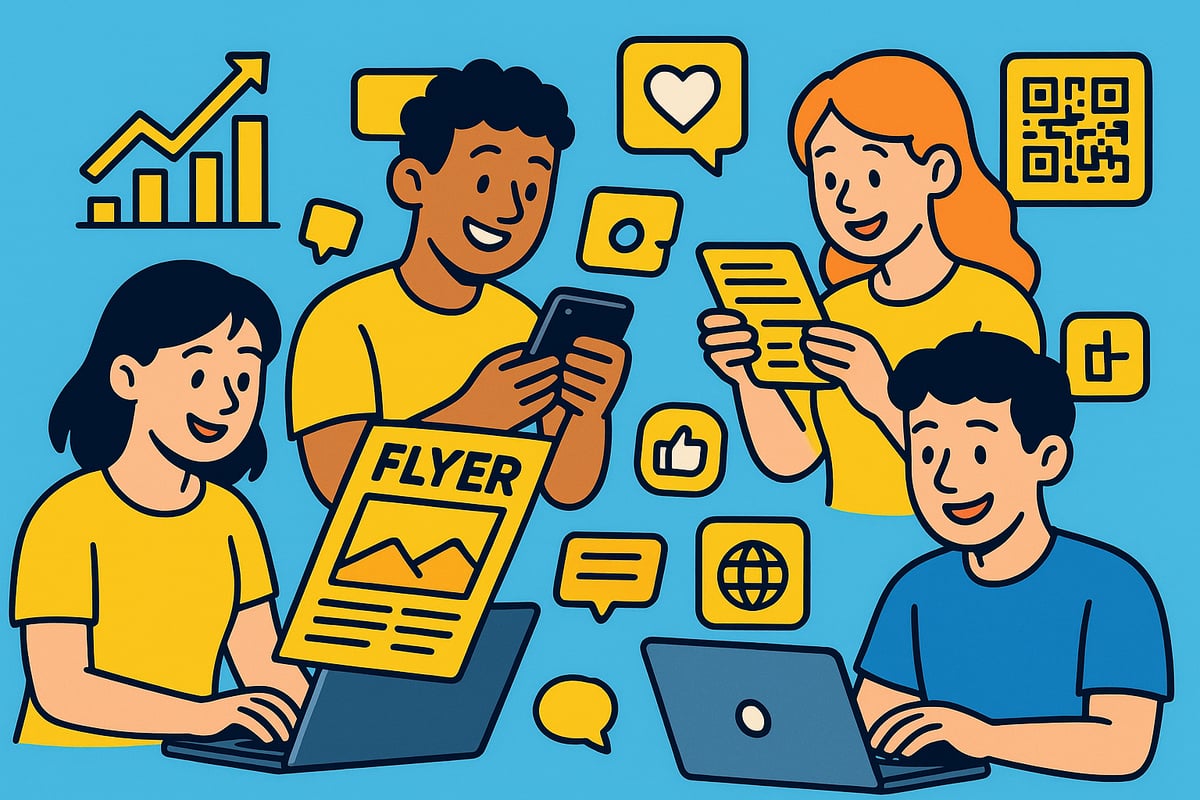
A great flyer nobody sees is a wasted afternoon. Distribution is where digital flyers earn their keep.
Embedding on Websites and Blogs
Embedding a flyer on your website or blog lets visitors interact without leaving the page, which keeps them on your site longer.
- Use embed codes provided by digital flyer platforms
- Place flyers in prominent sections like homepages, event pages, or blog posts
- Ensure mobile responsiveness for seamless viewing
Embedded flyers can be updated in real time, and the extra time on your pages is a quiet SEO bonus.
Email Campaigns and Messaging Apps
Email is still the workhorse. Mailchimp and Constant Contact make it easy to drop a flyer into a newsletter or promo email.
- Segment your audience for targeted delivery
- Use personalized subject lines and preview text
- Include clear calls to action within the flyer
Messaging apps and SMS get even more direct. A flyer shared over WhatsApp, Messenger, or text gets opened fast and acted on faster.
Social Media Sharing and QR Codes
Social media multiplies reach. Post flyers as feed posts, stories, or ads on Facebook, Instagram, and LinkedIn.
- Tailor visuals and messaging for each platform
- Use hashtags and tagging for greater visibility
- Schedule posts for peak engagement times
QR codes bridge the physical world. Put one on a yard sign, a service truck, or an in-store display and it routes people straight to the digital version.
Integrations and Mass Distribution
Cloud storage like Google Drive or Dropbox simplifies team sharing. CRM integrations can send flyers automatically based on customer data.
- Use platform analytics to track distribution performance
- Export flyers in various formats for broad compatibility
- Leverage team collaboration features for coordinated campaigns
For bigger reach, embed flyers on partner websites or share through industry networks. Your audience’s audience is the cheapest new audience you’ll find.
Case Studies and Engagement Data
The channel mix matters. Flyers shared via social media have been shown to double engagement compared with traditional distribution.
According to Digital Marketing Statistics 2025: Latest Stats and Trends, mobile and social channels now drive the most content engagement. Businesses spreading distribution across email, social, and web see the best returns.
Track what each channel produces, then double down where the numbers point.
Advanced Tips and Future Trends in Digital Flyers
The basics above will carry you far. These next moves are how you stay ahead of everyone still sending the same static JPEG.
Personalization and Dynamic Content
Personalization is the big one. Instead of one flyer for everyone, swap in names, images, offers, or languages based on who’s receiving it.
A retailer can send different product picks to different segments. An event organizer can customize invitations by neighborhood. Relevance drives response.
The tools for this keep getting cheaper, so one-to-one flyers are no longer an enterprise-only trick.
AI-Powered Design and Automation
AI now suggests layouts, headlines, and color palettes, which means non-designers get professional results faster.
Automation handles the sending: trigger a flyer off an abandoned cart or an event signup. Per Automation in digital marketing, businesses that adopt automation see better efficiency and engagement.
AI also runs A/B tests at scale, so you learn quickly which version pulls.
Next-Level Interactivity and E-Commerce Integration
Interactivity keeps leveling up. Embedded video, clickable buttons, and shoppable links are now standard.
A nonprofit can put the donation button in the flyer itself. A retailer can add a product carousel people buy from directly. Fewer steps, more conversions.
QR codes keep tying offline to online, which makes one flyer useful in both worlds.
Accessibility, Future-Proofing, and Trends
Accessibility keeps rising in importance: responsive design, readable fonts, screen reader compatibility. Wider access means a bigger audience.
The tools will keep changing. Watch where platforms are heading and adapt early. For the bigger shifts, see Digital marketing growth trends.
Expect more augmented reality, voice interactions, and real-time analytics. None of it changes the fundamentals: clear message, strong visual, obvious next step.
Frequently Asked Questions About Digital Flyers
Digital flyers have become a staple in modern marketing, but many still have questions about their use and effectiveness. Here are the most common questions, answered clearly and concisely.
What is a digital flyer and how does it differ from a digital leaflet?
A digital flyer is a visually engaging, shareable graphic designed for online distribution. Unlike a digital leaflet, which often contains more detailed information, digital flyers focus on concise messaging and bold visuals to quickly capture attention.
How can I make my digital flyer more engaging?
To boost engagement, include interactive features like clickable buttons, videos, or animations. Make sure your messaging is clear, visuals are high quality, and your call-to-action stands out. Well-designed digital flyers tend to see higher viewer interaction.
What file formats are best for digital flyers?
Common formats include PDF, JPEG, and PNG for static flyers. For interactive or animated flyers, HTML5 and GIF formats are often used. Choose a format compatible with your chosen distribution channels.
Can I track who views my digital flyer?
Most digital flyer platforms offer analytics that show impressions, clicks, and shares. While you may not see specific viewer identities, these insights help you measure reach and adjust your strategy.
Are digital flyers suitable for small businesses?
Absolutely. Digital flyers are cost-effective, easy to create, and can reach large audiences quickly. For more ideas on leveraging digital flyers, see these digital marketing strategies for small business.
How do I ensure my flyer is accessible to all users?
Use high-contrast colors, readable fonts, and straightforward layouts. Add alternative text for images and ensure compatibility across devices. This makes digital flyers accessible to everyone, including those using assistive technologies.
What is the best way to distribute digital flyers for maximum impact?
Share via email, social media, and your website. QR codes and messaging apps can also help expand your reach. Monitor analytics to find out which channels perform best.
If you want help putting flyers, automation, and local SEO together into a system that brings in leads every month, that’s what we do. Start Your Growth Plan